
The system itself, one screen at a time.
A walkthrough of a live Genesys deployment, from signing in to taking payment. It plays on its own; use the controls to pause or jump. Patient names and figures are demonstration data.
Watch a record light up the whole facility.
One patient record moves from registration to discharge. Each department it touches stays lit, so the whole facility is illuminated by one journey through it.
The actual screens, on a real machine.
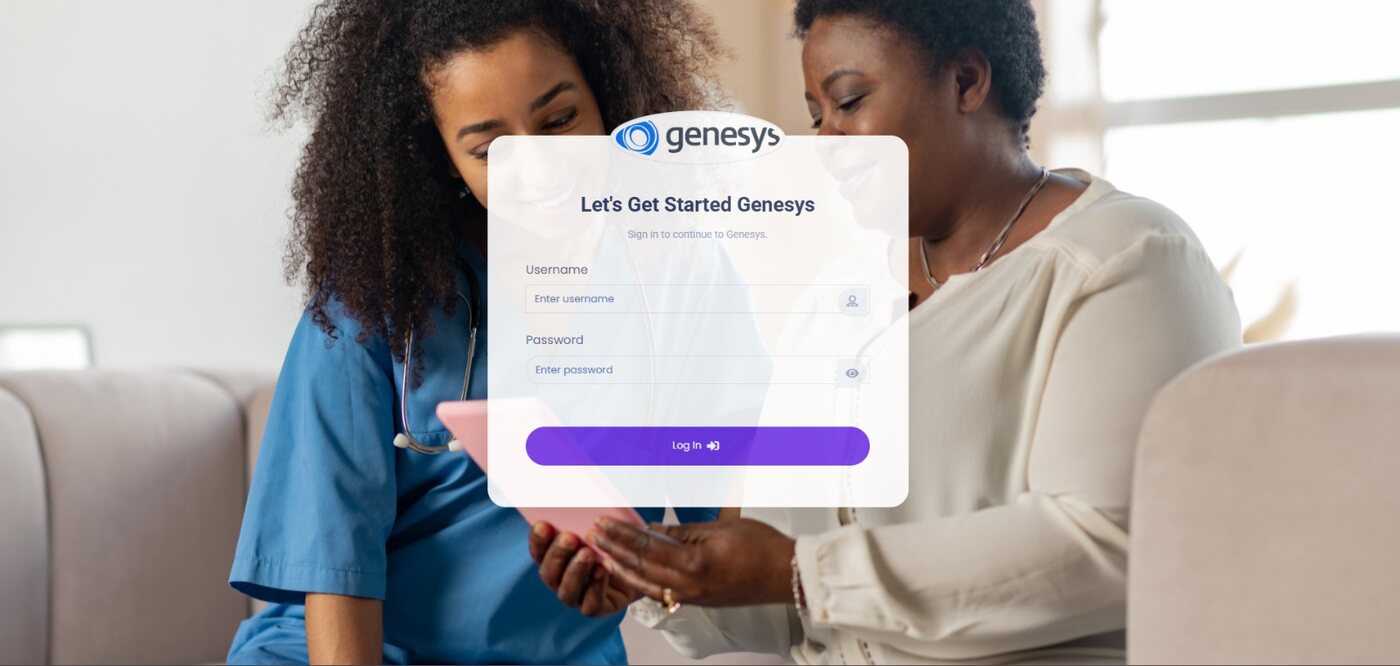
A live Genesys deployment cycling through sign-in, front desk, laboratory, pharmacy, billing and inventory. Demonstration data, not real patient records.
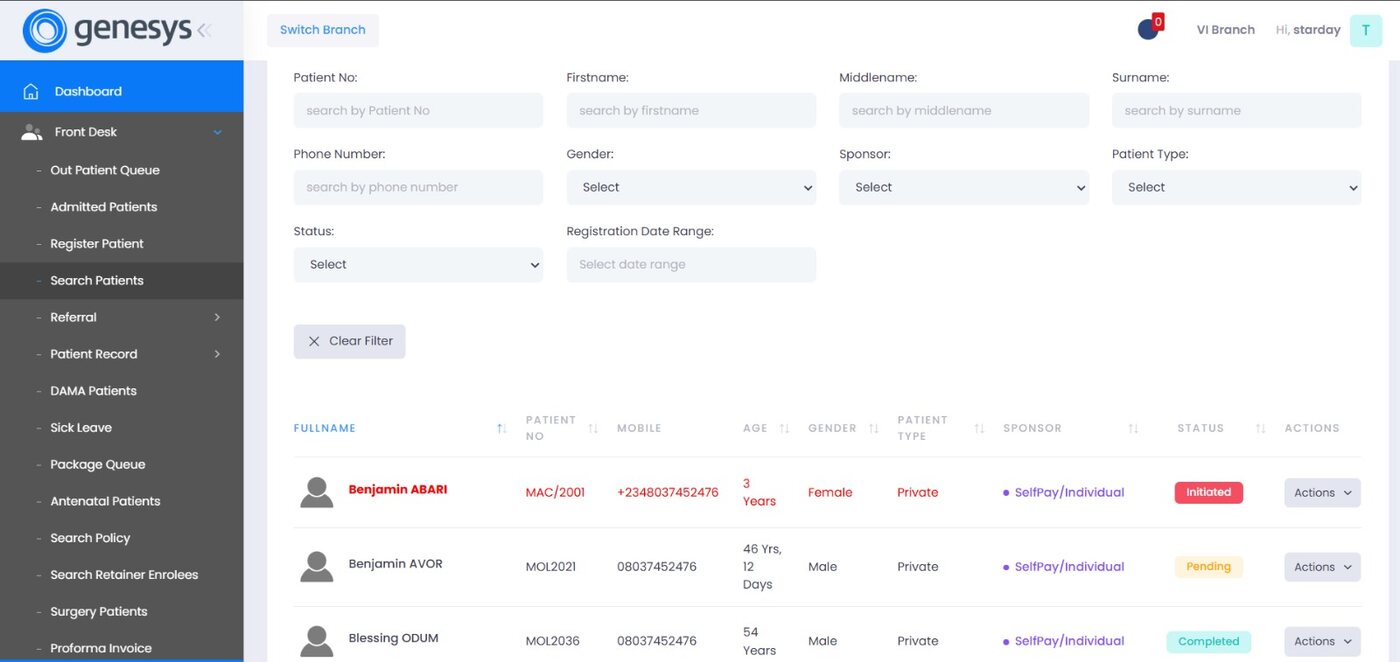
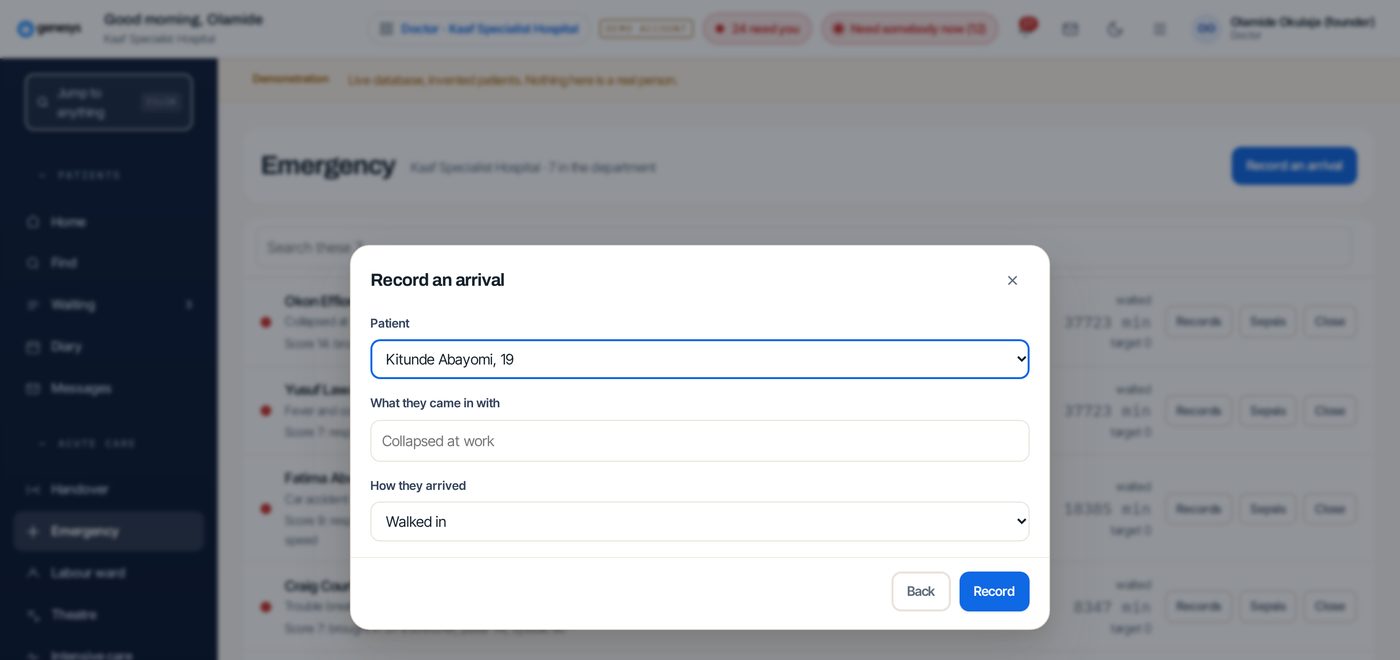
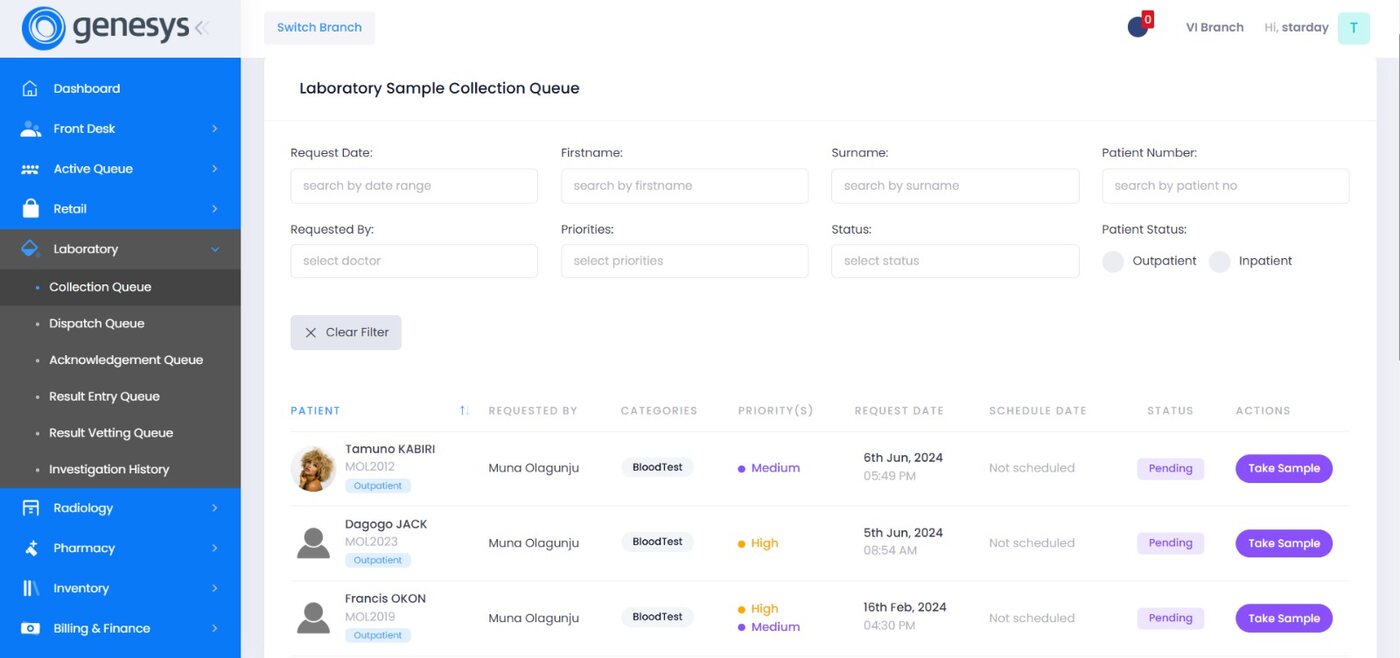
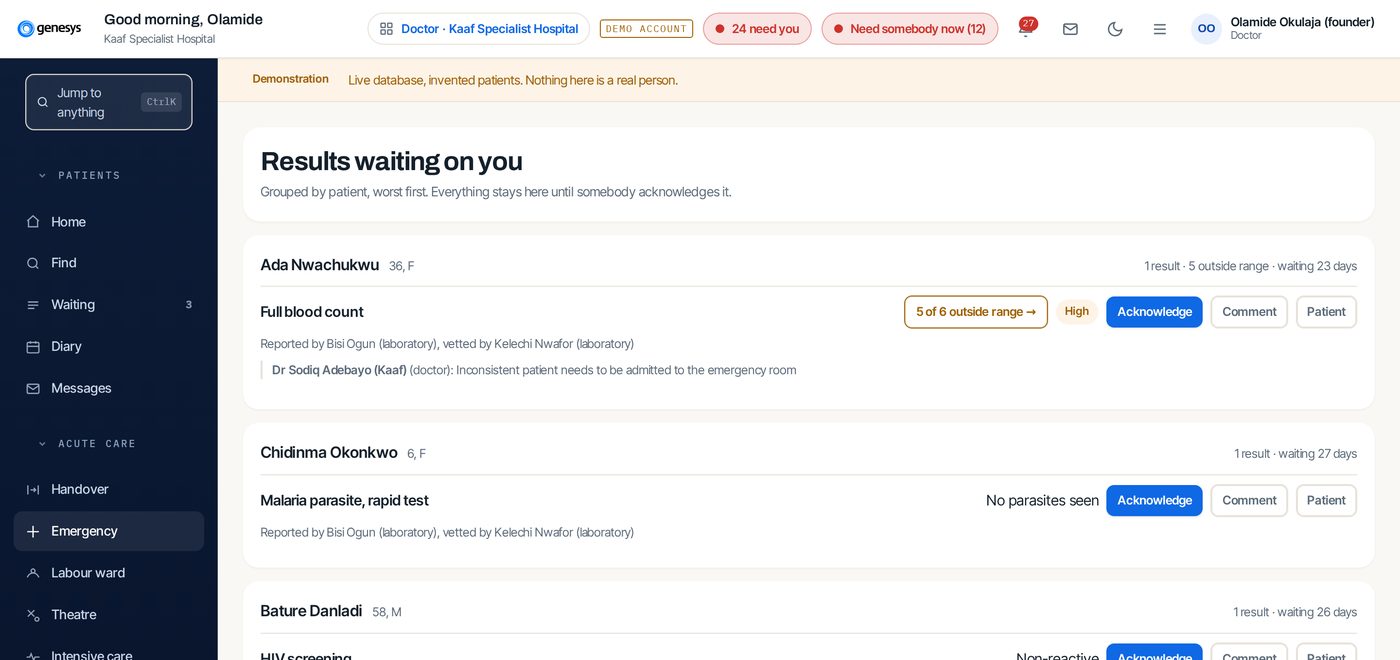
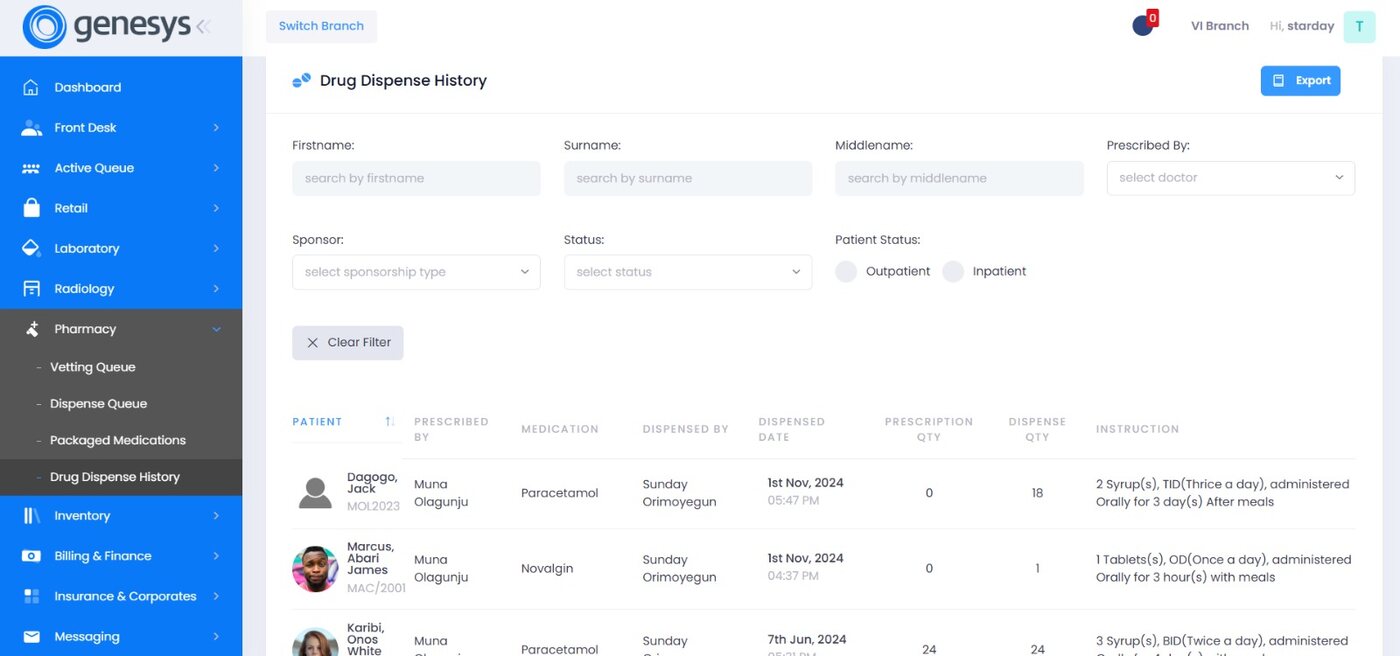
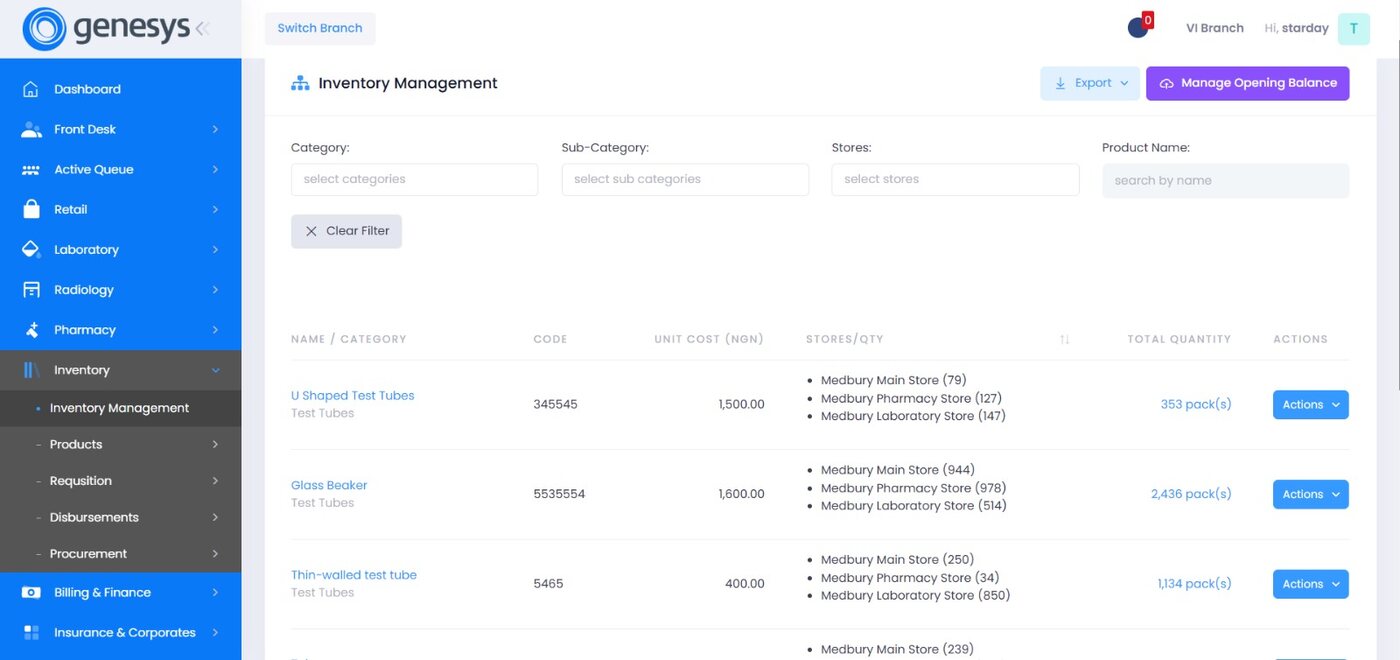
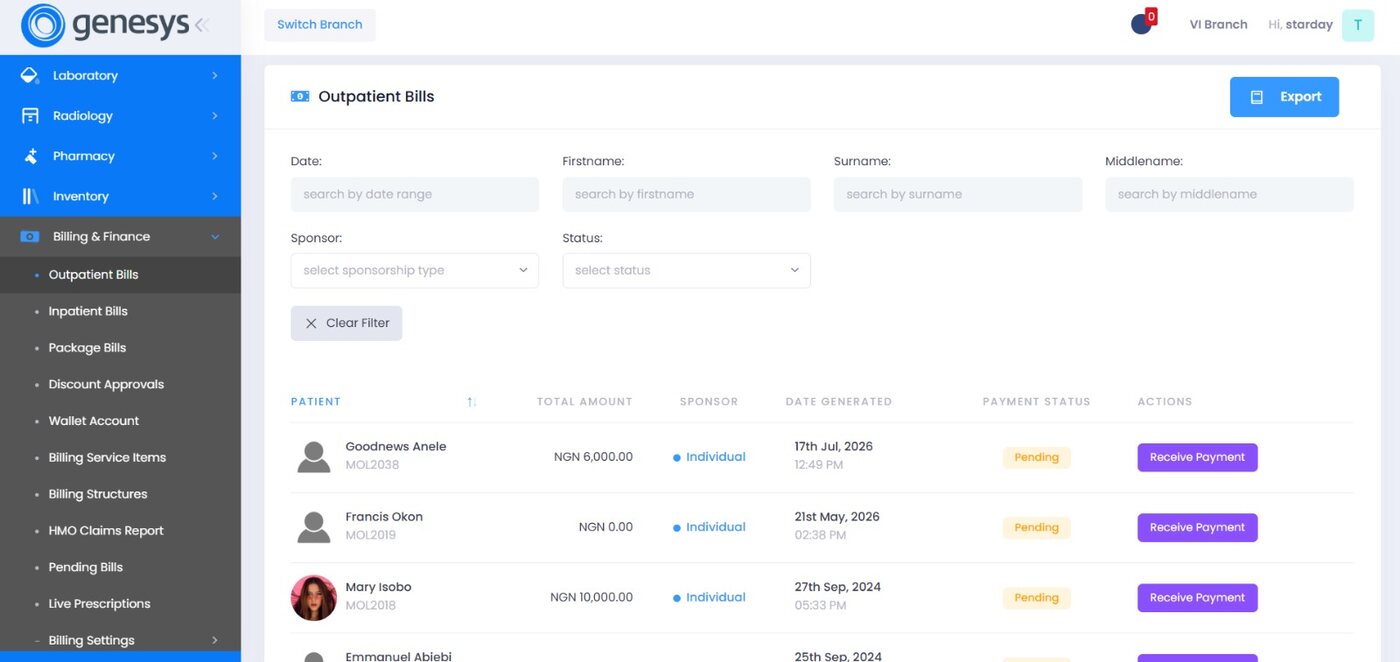
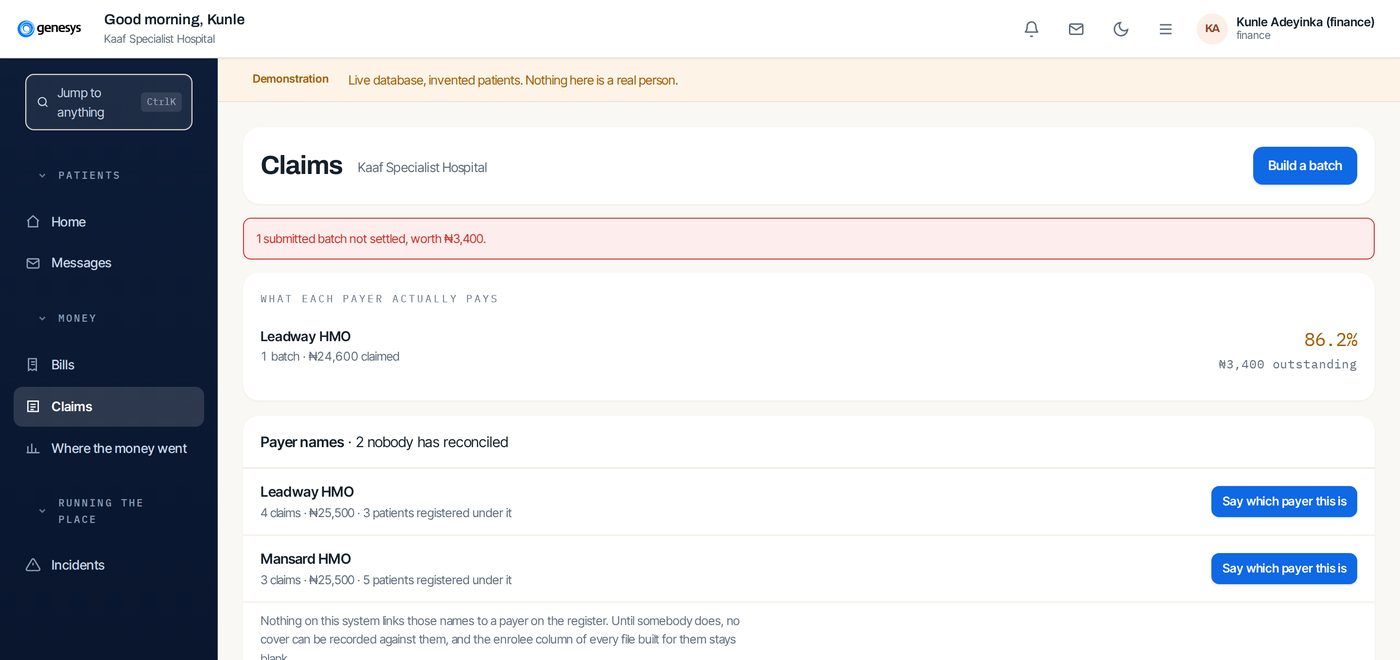
Screens from a live deployment. Use the arrow keys, swipe, or click a segment to jump.
What the screens have in common.
Filters first
Every queue filters by date, name, doctor, sponsor and status, because that is how staff actually search.
One patient identity
The same patient number follows the record from front desk to laboratory to billing.
Action at the row
Take sample, schedule, receive payment. The next step sits on the line you are reading.
Export everywhere
Any list can leave the system. Your data is yours, in a format you can use.